


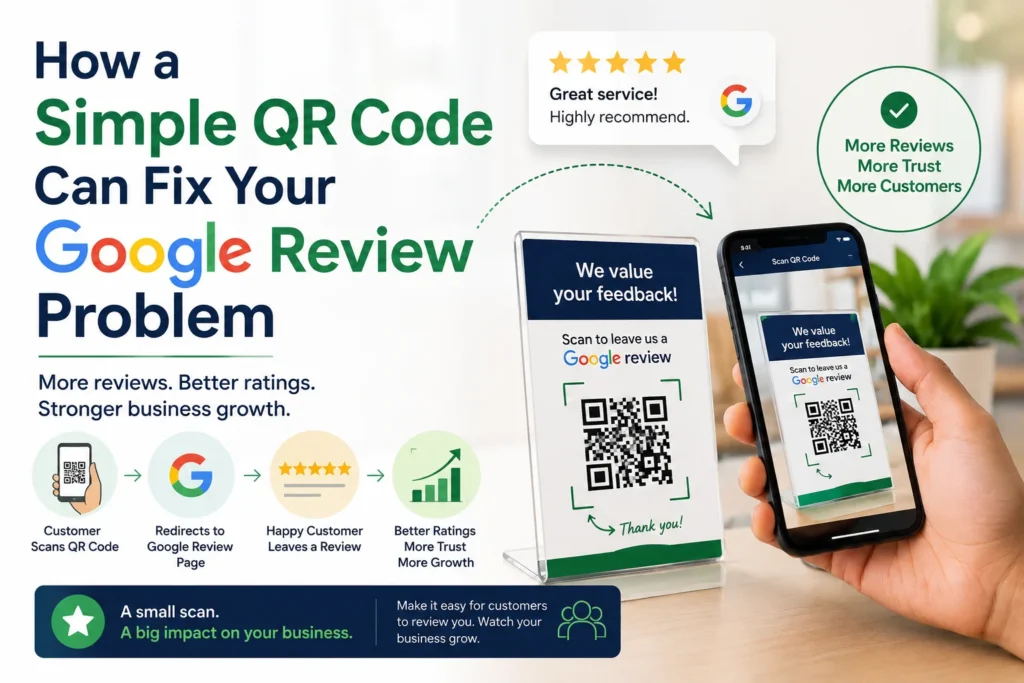
Almost every business owner says the same thing: “My customers love us, but hardly any of them leave a review.” It’s rarely because customers aren’t happy. It’s because leaving a review usually takes too many steps — searching for the business, finding the right listing, scrolling to the review section — and most people give up before they get there.
That’s the gap a Google Review QR code is built to close.
Why Happy Customers Still Don’t Leave Reviews
Reviews are one of the strongest trust signals a local business has. Most people check them before deciding where to spend their money, and they also factor into how visible a business is in local search results. Yet the businesses with the best service often have surprisingly thin review profiles.
The reason usually comes down to friction, not dissatisfaction. A few common culprits:
- No consistent system. Reviews get requested occasionally, not as a habit built into every transaction.
- No easy way to share the link. Staff don’t know how to grab the review link, so they simply don’t ask.
- Fear of negative feedback. Some owners hesitate to ask for reviews at all, worried about what might come back.
- No follow-up. A customer who meant to leave a review forgets by the time they get home.
A QR code removes the biggest obstacle in that list: friction. Instead of typing anything, a customer just points their phone camera at a code and lands directly on the review page.
How It Actually Works
A Google Review QR code is just your business’s unique review link, converted into a scannable image. Print it, display it, or send it digitally, and one scan takes the customer straight to the “leave a review” screen — no searching, no navigating a business listing, no extra taps.
Setting one up generally comes down to a few steps:
- Grab your review link from your Google Business Profile.
- Paste that link into a QR code generator.
- Add your branding — logo, colors, a short CTA like “Scan to review us.”
- Test it on a couple of different phones before printing anything.
- Place it where happy customers are most likely to see it: the counter, the receipt, the packaging, a follow-up WhatsApp message.
The placement matters as much as the code itself. A QR code buried on the back of a menu gets ignored. One placed at the moment a customer is clearly satisfied — right after a good meal, a successful haircut, a smooth checkout — gets scanned.
There’s a much more detailed walkthrough of this process, including the difference between static and dynamic QR codes and how review volume affects local search rankings, in GrowVia’s guide on building a Google review QR code strategy.
Why This Matters Beyond the Reviews Themselves
More reviews don’t just look good on a listing — they tend to compound. A steady flow of new reviews signals to Google that a business is active and trusted, which can help with local search visibility. Higher ratings also improve click-through rates, since people are more likely to choose a business with strong, recent feedback over one with a handful of reviews from years ago.
None of that requires a big campaign. It just requires making the ask effortless and doing it consistently, at the right moment, every time.
Making It a System, Not a One-Off
The businesses that build strong review profiles usually aren’t doing anything dramatically different — they’ve just turned review requests into a repeatable system instead of an occasional afterthought. That means training staff to ask at the right moment, placing QR codes across every touchpoint, and following up with customers who didn’t scan the first time.
Platforms built for local businesses can automate most of this — sending the review request at the right time, tracking scans, and folding review growth into the same system used for customer retention and loyalty. GrowVia’s review booster is one option built specifically to help local businesses turn everyday customer interactions into a steady stream of new reviews, without adding extra manual work.
The Bottom Line
Most customers are willing to leave a review — they just won’t go out of their way to do it. A QR code removes the friction, and a system around it makes sure the ask actually happens, every time, at the moment it’s most likely to work.
Also read: Ai in customer support