


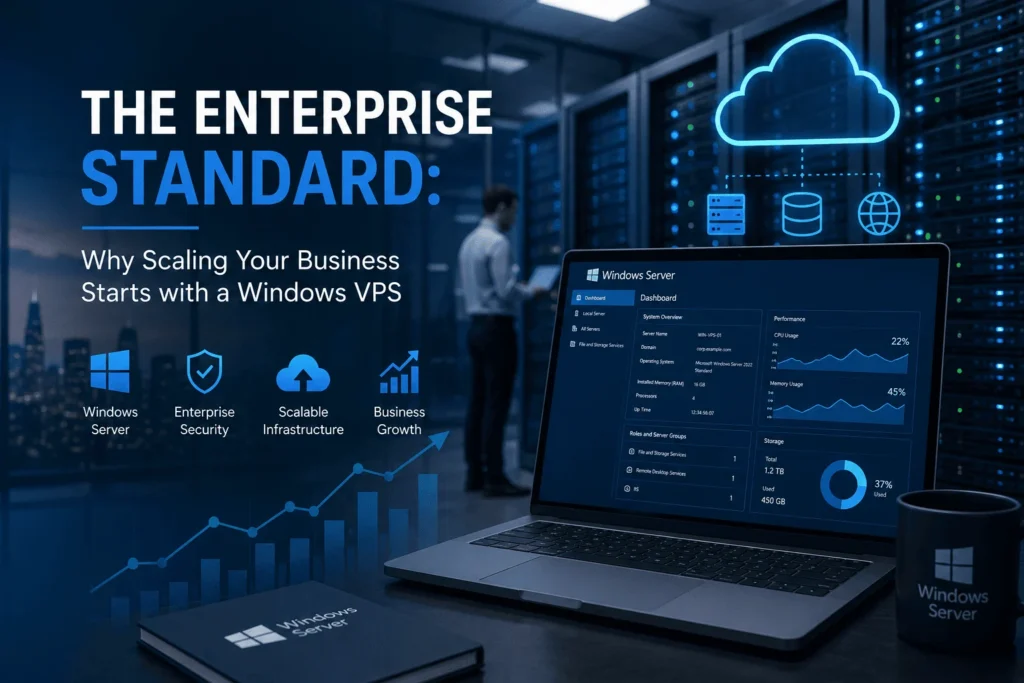
When launching a new digital platform, many businesses begin their journey on shared hosting setups. These basic packages are budget-friendly and easy to start with, requiring almost no technical knowledge. However, as your enterprise scales—as traffic surges, corporate databases expand, and custom software requirements become more specific—the operational limitations of shared infrastructure quickly become apparent.
If your business relies heavily on proprietary corporate tools, database software, or the Microsoft ecosystem, these operational challenges can stall your growth. In a shared environment, your performance fluctuates based on other websites, and you lack the administrative freedom to run critical enterprise software stacks.
When you outgrow these shared setups, moving to a dedicated virtual partition is the clear next step. Migrating to a scalable Windows VPS hosting plan replaces generic hosting constraints with absolute administrative control, dedicated performance blocks, and seamless integration with corporate networks. Let’s look at the core business and technical benefits of making the move to a Windows virtual server.
1. Complete Integration with the Microsoft Ecosystem
For many businesses, the choice of a hosting server is heavily dictated by their current software stack. If your development team works with ASP.NET, C#, MS SQL Server, or Microsoft Access databases, running your platform on any other operating system can introduce complex compatibility challenges and performance overhead.
A Windows VPS provides a completely native environment for these proprietary tools. Your hosting partition is built from the ground up to integrate seamlessly with Internet Information Services (IIS) and MS SQL Server databases, ensuring optimal performance, effortless database queries, and frictionless deployment pipelines for your developers.
2. Familiar GUI and Ease of Administration
One of the biggest hurdles of migrating to a Virtual Private Server is the administrative learning curve. Many VPS platforms rely on command-line interfaces that require deep system administration knowledge to configure firewalls, install software packages, or manage directory permissions.
A Windows VPS completely eliminates this technical barrier by providing a familiar, graphical user interface (GUI) through Remote Desktop Protocol (RDP). Managing your virtual server feels exactly like using a standard Windows desktop. Your team can install software, update system parameters, adjust network settings, and manage security parameters visually, without needing to learn complex terminal commands.
3. Active Directory and Granular Multi-User Control
As a business grows, managing team permissions and directory access across corporate systems becomes a highly complex security task. Shared hosting environments offer virtually no multi-user isolation or granular security parameters.
By moving your corporate workspace to a Windows Virtual Private Server, you gain full access to Active Directory (AD) and Group Policy Objects (GPO). This allows your IT administrators to manage user accounts, assign specific folders to distinct teams, restrict software execution paths, and set strict security parameters for every remote user. This enterprise-grade organization ensures that your sensitive corporate data stays completely protected from unauthorized internal or external access.
4. Dedicated Resource Isolation (No Neighbor Interference)
On a shared server, your performance is constantly at the mercy of unrelated websites. If another user on the physical hardware runs an unoptimized script or experiences a sudden traffic spike, your virtual store or business database pays the price, resulting in slow load times and lost revenue.
A Windows VPS completely resolves this issue by carving out dedicated partitions on the physical hardware. Using advanced virtualization technologies like Hyper-V, your allocated CPU cores, system memory (RAM), and storage drives are locked to your instance. Even if other virtual servers on the same hardware experience massive surges or high processing loads, your dedicated resources remain completely untouched and operational.
5. Corporate Compliance and Legacy Software Support
Many industries—such as finance, healthcare, and retail—must adhere to strict corporate compliance guidelines regarding data management and security auditing. Additionally, companies frequently rely on legacy desktop software, specialized accounting tools, or custom ERP systems that only run natively inside a Windows environment.
Operating a dedicated Windows VPS allows you to run these legacy programs continuously in the cloud, making them securely accessible to your remote team from any location. Furthermore, because you have full administrative rights over your virtual environment, you can configure your server to meet exact regulatory compliance audits, secure individual open ports, and install advanced security software suited to your industry.
Final Thoughts
Your digital infrastructure is the foundation of your customer experience, your data security, and your ability to scale operations seamlessly. By stepping away from the shared constraints of entry-level hosting and choosing a dedicated Windows virtual environment, you provide your business with the administrative tools, security baselines, and dedicated performance metrics needed to build a highly stable and professional corporate footprint in the cloud.