


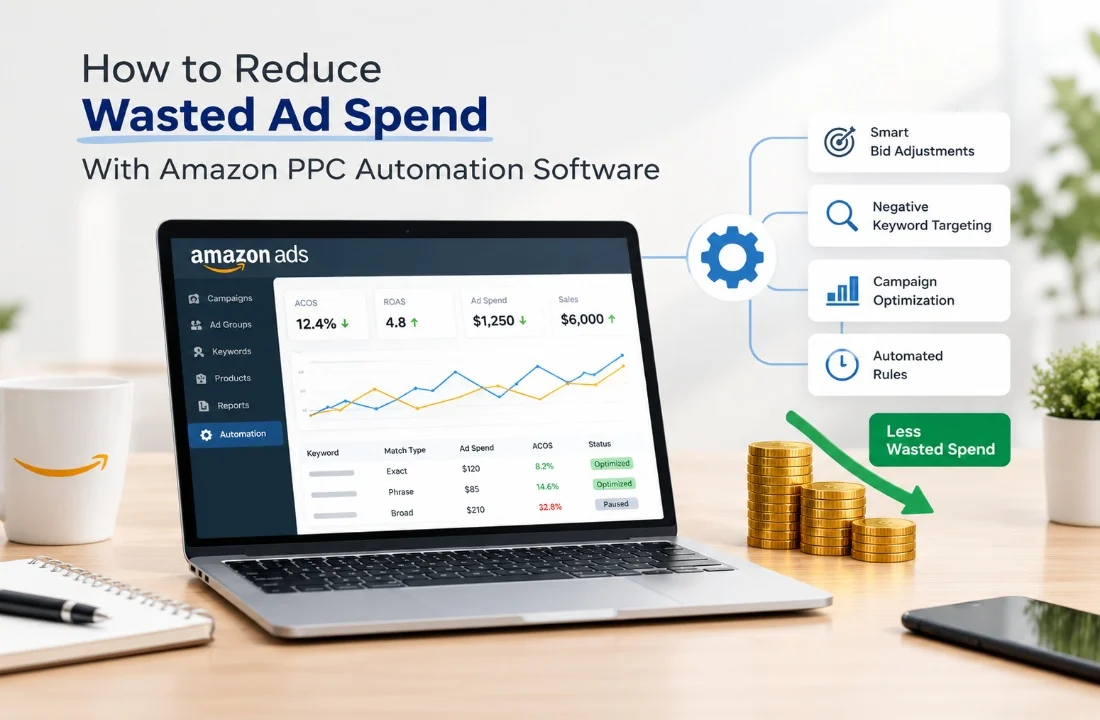
Amazon advertising is an excellent way for companies to showcase products, attract new customers, and finally, boost sales. However, if there is no effective campaign management, advertising money may be wasted quite easily on clicks from irrelevant users, underperforming keywords, expensive advertisement slots, and campaigns not resulting in conversions.
Amazon PPC Automation Software allows enterprises to oversee campaign progress, perform tasks that do not require human attention, and make advertising decisions based on analytics from the database. Adopting automation wisely allows marketers to pinpoint areas of ineffective ad spending, change bids for keywords, handle words, and get better results without relying entirely on manual changes to campaign settings.
Amazon Ads Automation and a competent Amazon ads application are the right tools that can be used to improve advertising strategies in this article, where we demonstrate the best tactics to minimize ad waste through the use of Amazon PPC automation.
What Is Amazon PPC Automation Software?
Amazon PPC Automation Software assists advertisers and advertising agencies in streamlining their pay-per-click campaigns by automating rules, tracking performance, adjusting bids, controlling keywords, and delivering campaign reports. When campaigns can be controlled by setting up rules that automatically perform certain actions based on campaign performance, it saves time for advertisers who normally have to manually oversee all aspects of a campaign.
Like other instances, when a keyword draws many clicks but doesn’t lead to even a single sale, an automated rule can lower the bid amount or mark it for examination. On the flip side, a keyword that is bringing money in may be a candidate for a small bid adjustment if it fulfills certain criteria of campaign performance.
Saving on advertising costs is not the primary objective. It will be better to spend the allocated budget wisely by advertising through relevant queries, products that are profitable, as well as campaigns that help achieve business goals.
1. Identify and Eliminate Poor-Performing Keywords
One of the most prevalent causes of poor ROI on advertising spent on Amazon is when advertisers target keywords that lead to page views but no actual conversions. Such keywords can catch shoppers looking for something other than what the advertiser is selling.
A seller promoting premium office chairs could attract clicks when people are searching for low-cost chairs or other types of furniture accessories. If these searches don’t turn into sales, they can eat up the marketing budget without providing adequate return on investment. Advertisers can track the metrics of their keywords on Amazon PPC Automation Software, including clicks, spend, conversions, sales, and advertising cost of sales (ACoS).
To increase the effectiveness of keywords:
- Analyze keywords that are clicked but not converted to sales.
- Determine irrelevant keywords and add relevant negative keywords.
- Decrease advertising on non-performing keywords.
- Continue or carefully expand investment in appropriate and successful keywords.
- Periodically review keyword performance as results come in.
Automation can alert advertisers to search terms that have specific conditions for wasted spend – that will help them take action quicker. But product pricing, conversion time lag, and the number of products available for comparison prior to pausing or excluding a keyword should be taken into consideration.
2. Automate Bid Adjustments Based on Performance
With many campaigns, ad groups, and keywords, manual bid management can get tricky. Higher bids can lead to higher acquisition costs, and when too low, they lead to reduced visibility of valuable searches. Amazon Ads Automation can assist businesses in setting up bid rules for advertising performance and profit goals.
For example, an advertiser can set a rule to lower the bid for a specific keyword if its ACoS is above the target for a certain length of time. A second guideline could be to make an above-average bid when a keyword has the potential to drive extra traffic and still yields profitable sales.
When it comes to bid automation, the following factors should be taken into account:
- Set ACoS & profit margins.
- The conversion rate and the average order value.
- Recent campaign performance.
- Lower and upper bid ceilings.
- Targeting available budget and campaign goals.
Don’t make wholesale changes from click to click. Small samples can mislead results, especially for low-sales-volume products. Have adequate performance data and evaluate automated changes periodically.
3. Set Rules to Control Advertising Budgets
A campaign can also waste money when the budget is distributed to the poorest-performing keywords or products, and the better-performing campaigns don’t get enough funding.
Budget automation allows advertisers to keep track of their budget and set conditions for alerts, changes, or even campaign reviews. Depending on platform capabilities and permissions, automation can also help in budget allocation for the eligible campaigns.
If, for instance, a campaign is spending a significant amount of money each day and not realizing the sales he or she hoped for, the system can flag it for review. If the campaign is worth a great deal of money, but often doesn’t last long enough, it’s a good campaign that may need more of a second look before the budget is increased.
To begin with, companies can enhance budget monitoring by:
- Establishing budgets for each day based on the goals of the campaign.
- Tracking spending on sales and conversions.
- Setting up alerts for excessive expenditure.
- Evaluating campaigns that are failing to deliver results and are draining resources.
- Increasing investment in successful opportunities where there is profitability.
These tasks can be made easier by the right Amazon Ads software, which can combine all the information about the performance of the campaign and spending into a single dashboard.
Don’t automatically kill all campaigns that start slowly. Others may be campaigns for product discovery, seasonal demand, or new product launches, and have different performance expectations.
4. Use Negative Keywords to Prevent Irrelevant Clicks
Negative keywords are a useful way for advertisers to prevent their ads from being displayed for specific keywords. They are most beneficial when consumers perform searches that aren’t necessarily related to the product’s characteristics, cost, usage, or classification. For instance, a company that sells new laptops might want to block some used laptop queries, as people who search for used laptops are probably not entering the sale of new laptops.
If there’s no review cycle for search terms, any ads paid for by irrelevant searches could continue to be spent. Amazon PPC Automation Software can help you spot trends and suggest negative keywords according to the set criteria.
These are the elements of a practical process:
- Gather search-term performance information for eligible campaigns.
- Recognize queries that have no purpose or tend to be inefficient.
- Investigate if there is a potential for future sales from the search term.
- Use the right negative keyword / negative product targeting.
- Check the results following the change.
If you’re an advertiser, you need to be able to tell the difference between irrelevant traffic and relevant traffic that hasn’t yet converted. Too many negative keywords can also impact the amount of qualified traffic and sales opportunities.
You can check the relevance of search terms with conversion data to make sure your negative targeting isn’t unnecessarily limiting your campaign reach, while avoiding the waste of time.
5. Monitor ACoS and Return on Ad Spend
Advertising metrics enable businesses to determine if their campaigns are achieving the desired outcomes. There are two key measures that are relevant: ACoS and return on ad spend (ROAS). ACoS is defined as advertising spend/total advertising sales that can be attributed to the ads. ROAS (return on advertising spend) is the ratio of revenue to ad spend.
If a campaign has a $200 ad spend and $800 attributed sales, the ACoS would be 25%, and the ROAS would be 4x. Amazon Ads Automation can help you track these metrics against the targets you set and alert you when performance changes.
Advertisers should use the following practices:
- Set product margins and business goals as ACoS targets.
- Track ROAS, conversion rate, and actual ad spend.
- Make comparisons over meaningful time periods.
- Investigate sudden increases in ACoS.
- Set targets for separate launch campaigns, in addition to established campaigns.
Not all the time is a low ACoS the only goal. If a business is introducing a new product, they might be willing to pay more for advertising in the short term to increase product awareness and collect performance information. On the other hand, a campaign that performs well with ROAS can be not profitable because of high product costs, fulfillment costs, and other costs.
6. Combine Automation With Human Oversight
While automation can help you to have greater consistency and minimise repetitive tasks, it can’t make every strategic decision for you. Advertising systems work based on the rules, data, and configuration. Those rules can potentially lead to overspending on the wrong projects or underspending on lucrative opportunities if they are not well-crafted.
First, automate repetitive, well-defined activities like performance alerts, reporting, and bidding within established thresholds. Examine decisions that are more intricate, such as product launches, seasonal campaigns, large spending adjustments, and advertising strategy changes. A good optimization cycle consists of establishing a goal, creating rules, tracking output, assessing performance, and tuning the rules as needed.
It’s also important for the advertiser to check the types of Amazon advertising campaigns that the software supports, integration, data freshness, permissions, and reporting options before implementing it.
How to Choose the Right Amazon PPC Automation Software
The choice of solution will depend on the size of the advertising operation, the number of campaigns, and the degree of control desired.
When selecting a platform, keep in mind that it should provide you with the following features:
- Automated bid management: Rules or recommendations based on the performance of campaigns.
- An analysis of search terms and the use of negative keywords.
- Budget monitoring: Spending alerts and budget management options.
- Performance reporting: Transparent ACoS, ROAS, conversions, and sales.
- Scalability of the campaign: Support for the number of accounts, products, and campaigns you use.
- Integration capabilities: The availability of the necessary Amazon advertising information and the types of campaigns supported.
- The customization of the rules is done based on the individual products, profit margin, and business objectives.
Consider ease of use, cost, reporting accuracy, and degree of human control. Not every tool with a lot of features is the most appropriate. It’s the one that will make it easy for your team to recognize the waste, make informed changes, and consistently measure results.
Conclusion
Reducing wasted advertising spend means more than lowering bids or stopping campaigns. Companies need a plan for targeting keywords, managing budgets, watching performance, and constantly improving.
Amazon PPC Automation Software can assist advertisers in finding money that is being spent inefficiently, applying optimization rules, and handling campaigns in a better way. By using Amazon Ads Automation along with reports, reasonable performance limits, and human checks, companies can use their advertising money more wisely.
For sellers and agencies trying to make campaign management easier, choosing the right Amazon ads software can offer a better way to track advertising results and find chances to improve as their accounts grow.
Want to make your Amazon advertising process better? Vision Infotech can help companies look into software development and automation tools that are built around their needs. Go to Vision Infotech to find out more about its solutions and talk about your business needs.