


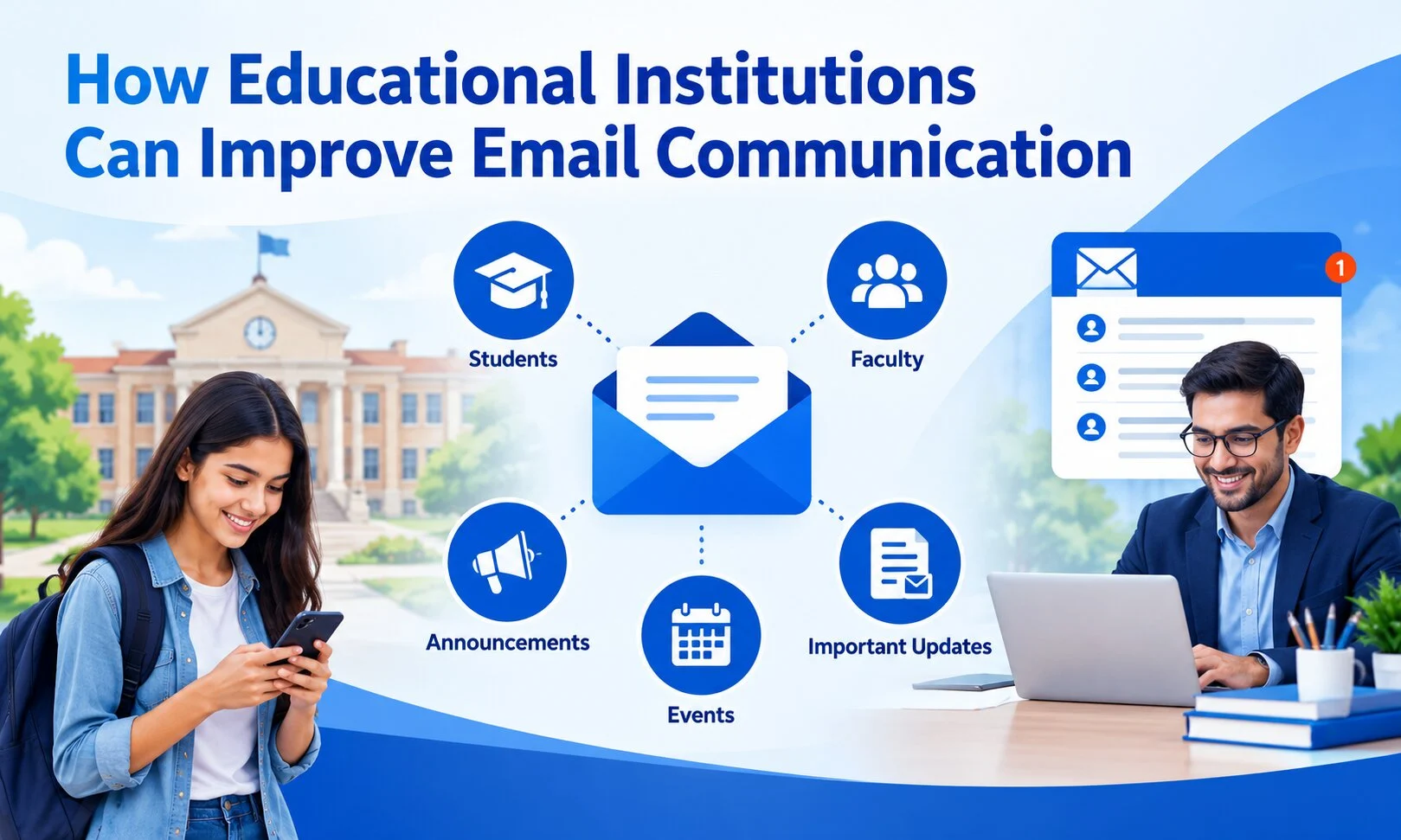
Effective communication is essential for schools, colleges, universities, and online learning platforms. Educational institutions regularly share admission updates, examination schedules, fee reminders, course information, and important announcements with students, parents, and staff.
Although messaging applications and student portals have become popular, email remains an important communication channel because it supports formal messages, automated notifications, and detailed information sharing.
However, managing educational emails becomes challenging when an institution has thousands of students and multiple departments.
A structured email communication strategy, supported by suitable SMTP infrastructure and responsible email practices, can help educational organizations manage these requirements more effectively.
Why Email Communication Matters in Education
Educational institutions communicate with different audiences throughout the academic year.
For example, an admissions department may need to send application confirmations, while the examination department sends timetable updates and result notifications.
Similarly, administrative teams communicate fee deadlines, document requirements, and institutional announcements.
Email offers several practical advantages:
- It supports formal communication and detailed instructions.
- Messages can include relevant documents and links.
- Institutions can automate routine notifications.
- Different departments can organize their communication workflows.
- Students and parents can refer to previously received information.
However, these benefits depend on maintaining accurate contact information, clear messaging, and properly configured email systems.
1. Automate Important Student Notifications
One way educational institutions can improve communication is by automating repetitive email activities.
Instead of manually sending individual messages, institutions can connect their student management systems, websites, or learning applications with suitable email infrastructure.
Common examples include:
Admission confirmations: Automatically notify applicants when their applications are successfully submitted.
Account verification: Send verification messages when students create accounts on institutional portals.
Password resets: Help users securely recover access to learning platforms.
Fee reminders: Notify students or parents about upcoming payment deadlines.
Course notifications: Share relevant updates about enrolment, course access, or learning activities.
Automation can reduce repetitive administrative work, but institutions should regularly test these workflows to ensure that messages contain accurate information.
2. Use SMTP Infrastructure for Automated Emails
SMTP stands for Simple Mail Transfer Protocol. It is used to send outgoing email messages between email systems.
For educational organizations operating websites, student portals, or learning management systems, SMTP infrastructure can support application-generated communication.
For example, when a student registers for an online course, the learning platform may trigger an automated confirmation email through its configured sending service.
When evaluating SMTP infrastructure, institutions should consider:
- Compatibility with their existing website or application.
- Expected email sending volume.
- Domain authentication configuration.
- Sending logs and delivery status information.
- Technical support and maintenance requirements.
Educational institutions exploring implementation options can review the SMTP Server Solutions offered by Getsvision Solutions for business email infrastructure and integration support.
Choosing suitable infrastructure is particularly important when communication requirements increase during admission periods, examination schedules, or major institutional announcements.
3. Configure Email Authentication Correctly
Email authentication is an important technical consideration for organizations sending messages from their own domains.
Three commonly used authentication mechanisms are SPF, DKIM, and DMARC.
SPF
Sender Policy Framework identifies the servers authorized to send email on behalf of a domain.
DKIM
DomainKeys Identified Mail adds a digital signature that helps receiving systems verify the message’s association with the sending domain and detect certain modifications.
DMARC
Domain-based Message Authentication, Reporting and Conformance builds on SPF and DKIM, helping domain owners establish authentication policies and access related reporting.
Institutions should ensure their email systems follow applicable sender requirements.
For additional technical guidance, refer to Google’s official Email Sender Guidelines.
Correct authentication can support responsible email sending, but no technical configuration can guarantee that every message reaches the recipient’s inbox.
4. Segment Email Communication by Audience
Sending identical emails to every contact is not always appropriate.
Educational institutions usually communicate with several distinct groups, including prospective students, enrolled students, parents, faculty members, administrative staff, and alumni.
Segmenting contacts allows departments to share information that is relevant to each audience.
For example:
| Audience | Relevant Email Communication |
|---|---|
| Prospective students | Admission information and application deadlines |
| Enrolled students | Academic updates and examination notices |
| Parents | Relevant administrative announcements |
| Faculty | Departmental information and schedules |
| Alumni | Institutional news and alumni events |
Institutions should also distinguish essential administrative communication from optional promotional newsletters.
Marketing subscriptions should be permission-based, with appropriate unsubscribe options.
5. Write Clear and Accessible Email Messages
Technical infrastructure is only one part of effective communication. Message quality also matters.
An email about an examination deadline should communicate the most important information immediately rather than hiding it inside a lengthy paragraph.
Educational organizations can improve message clarity by following a few practices:
- Write specific and descriptive subject lines.
- Identify the sending institution or department.
- Mention important dates and required actions clearly.
- Use readable formatting and short paragraphs.
- Include relevant contact information.
- Test how messages appear on mobile devices.
- Avoid unnecessary attachments when an accessible webpage would be more practical.
For example, a subject line such as “Semester Examination Registration Deadline – 15 November” is more informative than “Important Update.”
Accessibility should also be considered. Images containing essential information should include meaningful alternative text, and critical instructions should not appear exclusively inside graphics.
6. Monitor Email Performance and Technical Issues
Educational institutions should periodically evaluate whether their communication systems are functioning as intended.
Useful operational indicators include delivery status, rejected messages, bounce rates, authentication failures, and sending errors.
For optional newsletters and campaigns, engagement indicators may also provide useful feedback.
However, email open rates should not be treated as perfectly accurate because privacy features and automated image loading can affect their measurement.
Technical teams should investigate recurring delivery problems rather than simply increasing sending volume.
Regular monitoring can help identify incorrect email addresses, configuration problems, and other issues that require attention.
7. Protect Student Information and Respect Privacy
Educational organizations handle personal information, so email communication should follow appropriate privacy and security practices.
Institutions should avoid exposing student contact lists through visible recipient fields and should limit access to communication systems based on staff responsibilities.
Sensitive student information should be shared through appropriately secured systems rather than unnecessarily included in ordinary email messages.
Maintaining updated contact records, reviewing account permissions, and establishing clear communication policies are important operational practices.
Building a Better Digital Communication Strategy
Educational institutions increasingly depend on connected digital systems, including institutional websites, student portals, online learning platforms, and administrative applications.
Email communication should work alongside these systems rather than operate as an isolated activity.
Organizations can explore additional educational technology and digital communication topics through EdTechReader.
A practical improvement plan begins with identifying which messages are currently sent manually, which can be automated, and which require stronger technical or administrative controls.
Institutions should then review their email infrastructure, authentication settings, audience management, and message templates.
Conclusion
Improving email communication in educational institutions requires a combination of suitable technology, clear content, organized contact management, and responsible sending practices.
Automated notifications can simplify repetitive administrative activities, while properly configured SMTP infrastructure supports communication between institutional systems and their users.
By focusing on relevant messages, email authentication, accessibility, monitoring, and privacy, schools, colleges, and online learning platforms can develop a more structured approach to digital communication.